

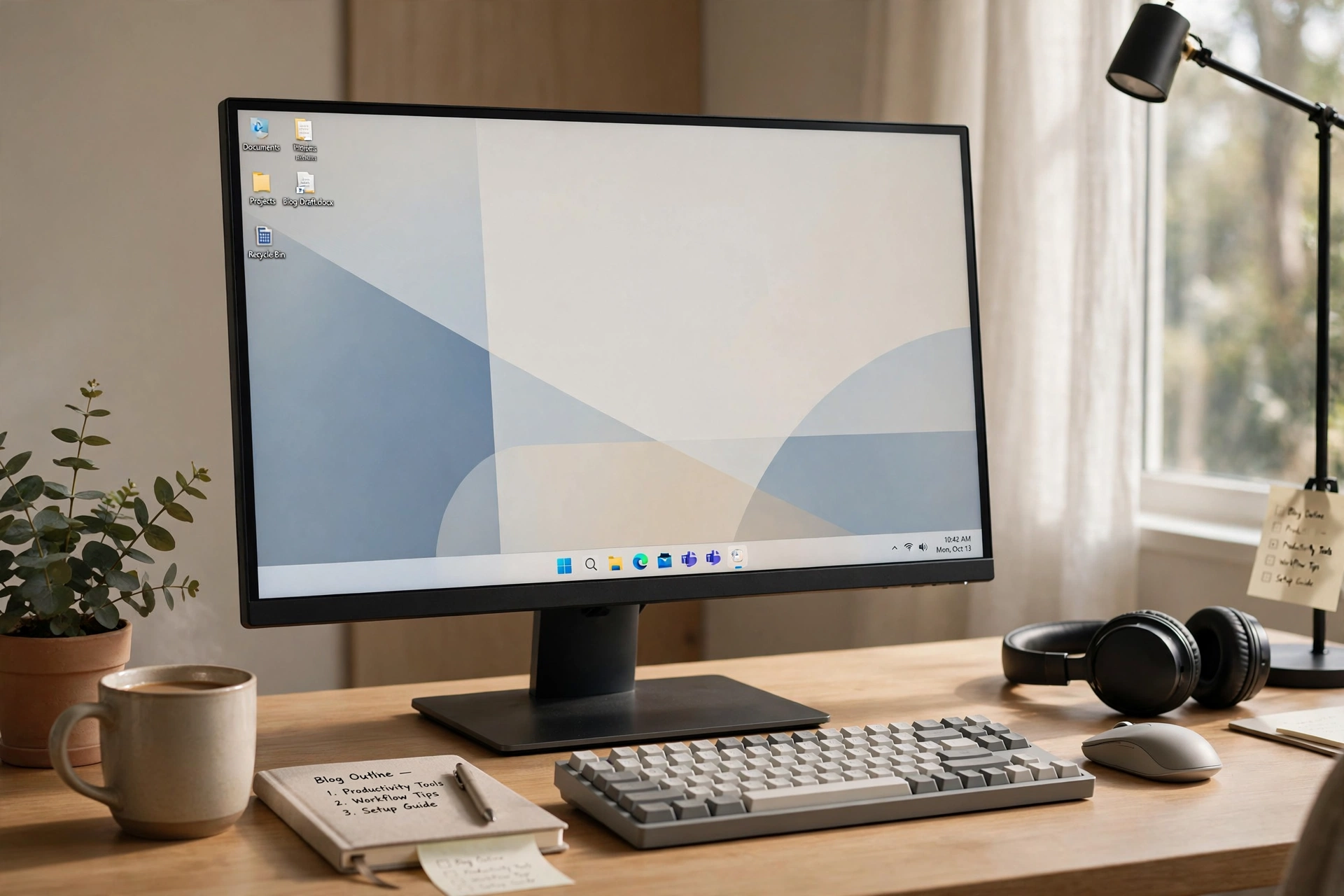
Working from home has a way of blurring the edges of the day. The commute disappears, the kitchen becomes the canteen, and the same screen that hosts your morning meeting also hosts your evening film. In that setting, the state of your computer desktop matters more than it used to. It is, for many of us, the room we spend the most time in, and like any room, it feels better when it is arranged on purpose.
Nobody needs a complete digital overhaul. The improvements that actually stick are small, quick and reversible: a tidier taskbar, a calmer wallpaper, a layout that puts the day’s tools within easy reach. Each tweak below takes minutes, costs nothing, and quietly removes a little friction from the working day. Together, they can make a home desk feel noticeably more like a place designed for focus.
Put Your Workday Apps Where Your Eyes Already Go
Most of us pin our favourite apps to the taskbar and then forget about them, leaving the row exactly where the operating system first placed it. A simple change is to centre those icons, the way newer versions of Windows do by default. On a wide laptop or monitor, a centred row sits closer to where your attention already rests, and the desktop instantly looks more balanced and intentional.
While you are there, be honest about what earns a pinned place. The apps you open every morning deserve the spots; the program you tried once in March does not. A shorter, deliberate row of icons is faster to scan at 9 a.m. with coffee in hand, and that tiny daily saving in hunting and clicking adds up to a calmer start.
Soften the Screen With Transparency and Light
A solid, dark taskbar cutting across the bottom of a bright screen can feel heavier than it needs to. Softening it with a touch of transparency, a blur effect or a frosted acrylic finish lets your wallpaper show through gently and makes the whole display feel lighter, more like a window and less like a dashboard.
Small free utilities make this a two-minute job. One widely used option is Taskbarx, which centres icons and offers those transparency and styling effects for Windows 10 and 11 in a single lightweight tool. Set the effect to modest rather than dramatic, choose a wallpaper with a calm scene, perhaps greenery, a coastline or a soft gradient, and notice how much less the bottom of your screen demands your attention during a long call.
Create a Visible Start and Finish to the Day
One underrated trick is using your desktop itself as a boundary between work and home. Because a styling tool remembers your settings, some people keep a distinct look for working hours: a particular wallpaper and tidy icon row that they switch on with the first coffee and change at the end of the day. It sounds almost too simple, but rituals help remote workers switch off, and a screen that visibly changes mode is a surprisingly effective cue.
Pair the visual cue with one practical habit. At the end of the day, close the work apps so the taskbar empties, and let that clean, quiet bar be the last thing you see before you shut the lid. Starting the next morning with an uncluttered desktop, rather than yesterday’s half-finished windows, genuinely changes how a workday begins.
Reduce the Little Frictions You Have Stopped Noticing
Home workers tolerate dozens of tiny annoyances because each one seems too small to fix. The search box taking up a third of the taskbar. Notification badges shouting for attention. Icons that appear in a different order on a second monitor. Spend fifteen minutes hunting these frictions down and removing the ones you can, reducing the search box to an icon, quieting badges on apps that do not need them, and arranging both screens the same way if you use an external monitor.
Gentle animation settings help here too. When icons shift smoothly as windows open and close, the interface feels less abrupt during a busy day of switching between documents and calls. None of these changes will appear on any productivity chart, but comfort rarely does. It shows up instead as a day that feels slightly easier than the one before.
Comfort Is a Legitimate Productivity Strategy
We tend to treat desktop tweaks as decoration and desk chairs as serious business, yet both shape how a working day feels in the body. A screen you enjoy looking at, with your tools arranged deliberately and nothing visual shouting for attention, is part of a humane home office, alongside daylight, breaks and a chair that does not hurt.
So pick one tweak from this list and do it today, not at the weekend. Centre the icons, soften the taskbar, or clear the row down to your real essentials. Working from home is not a temporary arrangement to endure any more; for many of us it is simply work. It deserves a desktop that feels like it was arranged by someone who has to sit there, because it was: you.